




Quick Answer
The safest substitute is a manufacturer-approved charger with the correct connector and power profile. If the laptop supports USB-C Power Delivery input, a compliant USB-C PD source and correctly rated cable may work.
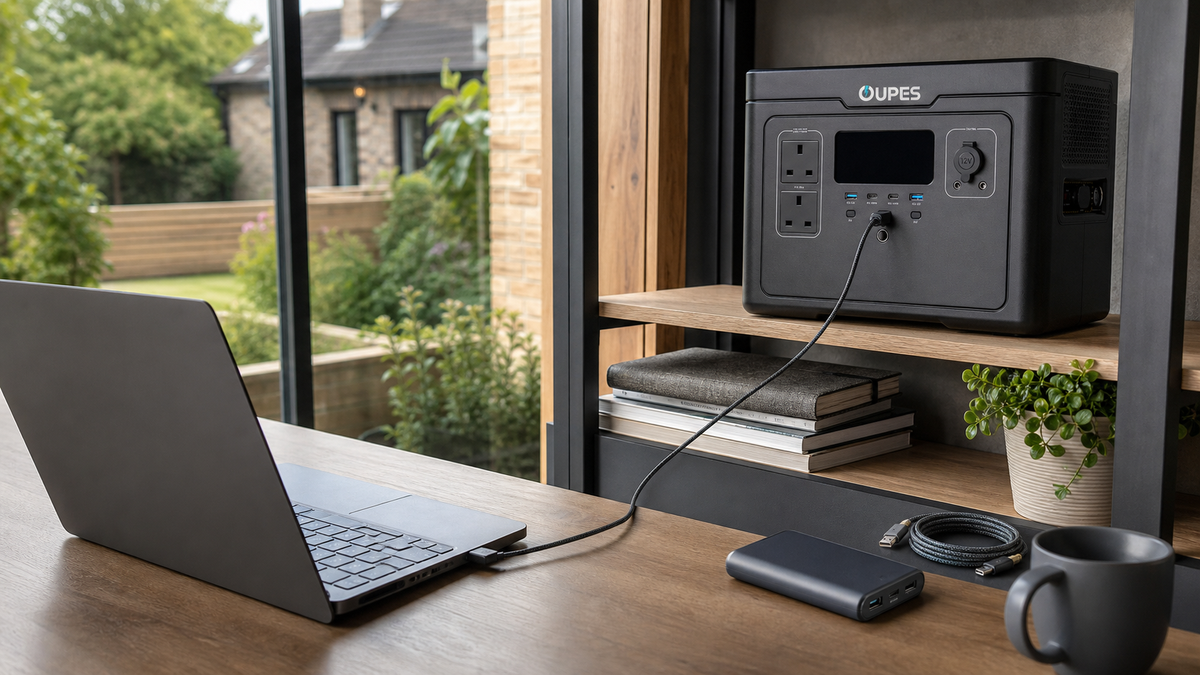
A portable power station can run the laptop’s normal mains adaptor, avoiding uncertain direct-voltage conversion. Never force a connector, improvise exposed wiring or assume every USB-C port accepts charging.
Key Facts
Compatibility depends on protocol, voltage, current, connector, cable rating and the laptop’s required input power.
| Method | What Must Match | Typical Use | Main Risk |
|---|---|---|---|
| USB-C PD charger | Supported PD profile and cable | Modern USB-C laptops | Port may be data-only |
| USB-C PD power bank | Laptop input and sufficient wattage | Travel | Low-power bank may charge slowly or not at all |
| Car adaptor | Approved regulated output | Vehicle travel | Poor adaptors or flat vehicle battery |
| Power station plus original adaptor | AC output and adaptor wattage | Outages and remote work | Conversion loss |
How It Works
USB-C describes a connector, not a guaranteed charging capability. Power Delivery devices negotiate supported voltage and current profiles; both source and laptop must support a common profile.
A cable can be the limiting component. Higher-power charging may require an electronically marked cable, and a damaged or counterfeit cable can overheat.
Using the original mains adaptor from a compatible power station usually preserves the laptop manufacturer’s intended voltage regulation. It is less energy-efficient than direct DC charging but often simpler to verify.
Check Compatibility Step by Step
Read the laptop’s input label or manufacturer specification. Confirm whether the chosen port supports charging input, then choose a source that supplies an accepted profile with equal or greater wattage.
Required energy is approximately charging watts multiplied by hours. Add conversion loss and remember that active laptop use can consume most of the charger output.
| Check | Example | Pass Condition | If It Fails |
|---|---|---|---|
| Laptop requirement | 20V, 3.25A | Source supports 65W profile | Use approved higher-rated source |
| Cable | 100W USB-C cable | Rated above negotiated power | Replace with compliant cable |
| Station runtime | 60W for 8 hours | At least 480Wh plus losses | Reduce use or increase capacity |
| Charging indication | OS shows charging | Stable without heat or disconnects | Stop and recheck compatibility |
Compare the Main Options
Choose the method with the clearest manufacturer support, not merely the connector that physically fits.
| Option | Efficiency | Convenience | Best When |
|---|---|---|---|
| Approved replacement adaptor | High | High | Original charger is lost |
| USB-C PD source | High | High | Laptop explicitly supports PD input |
| Power station plus mains adaptor | Moderate | High | Backup energy is required |
| Unregulated universal lead | Uncertain | Low | Avoid unless specifically approved |
UK Planning Considerations
Use products carrying the relevant UK conformity information and buy safety-critical chargers and cables from reputable suppliers. Check for recalls and inspect cables for damage.
USB-IF information on USB Power Delivery explains the standard, but the laptop manufacturer’s compatibility list remains the decisive source for a particular model.For the underlying UK guidance or current figures, check USB-IF USB Power Delivery information. Published tariffs, standards and safety advice can change, so verify the source again before acting.
Relevant OUPES UK Options
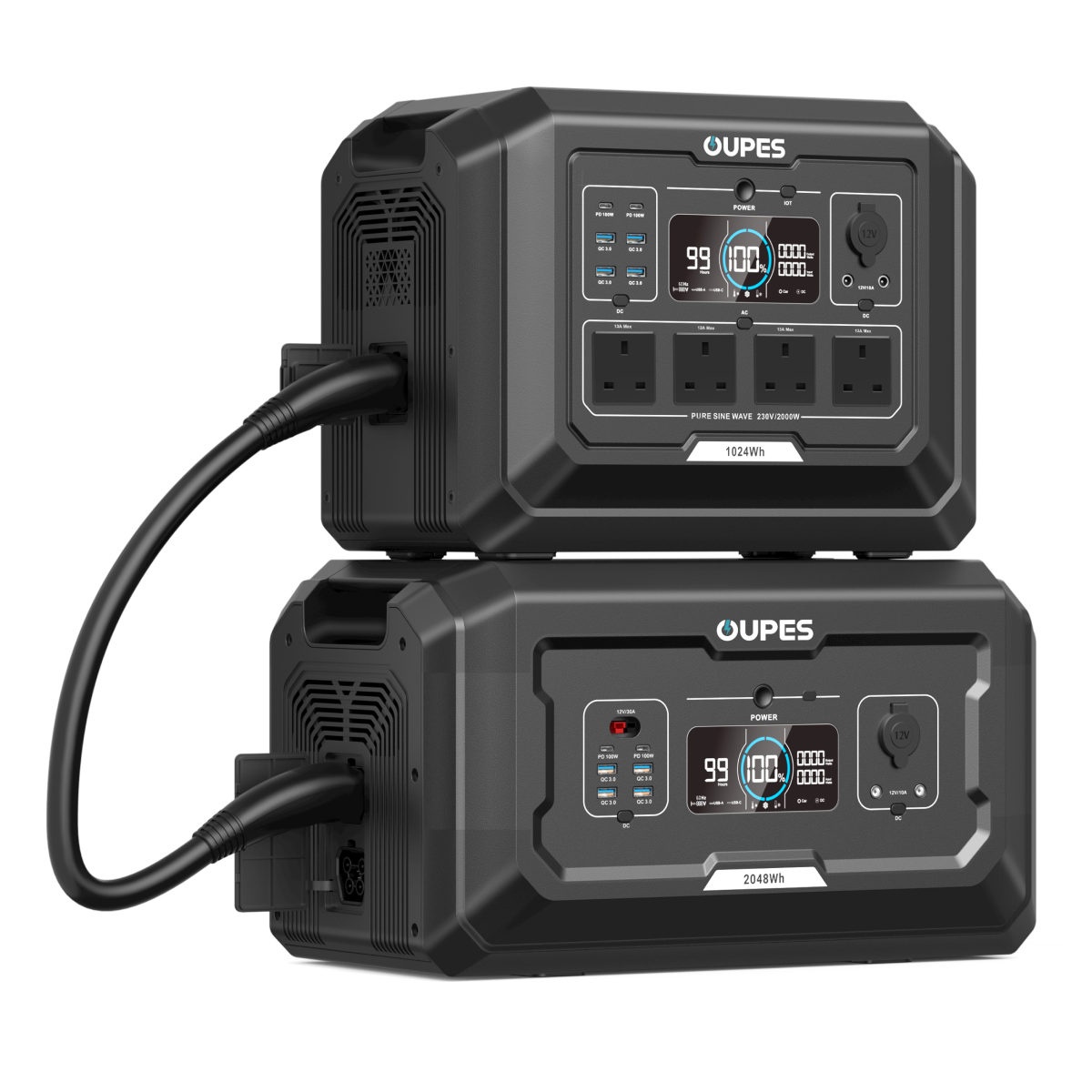
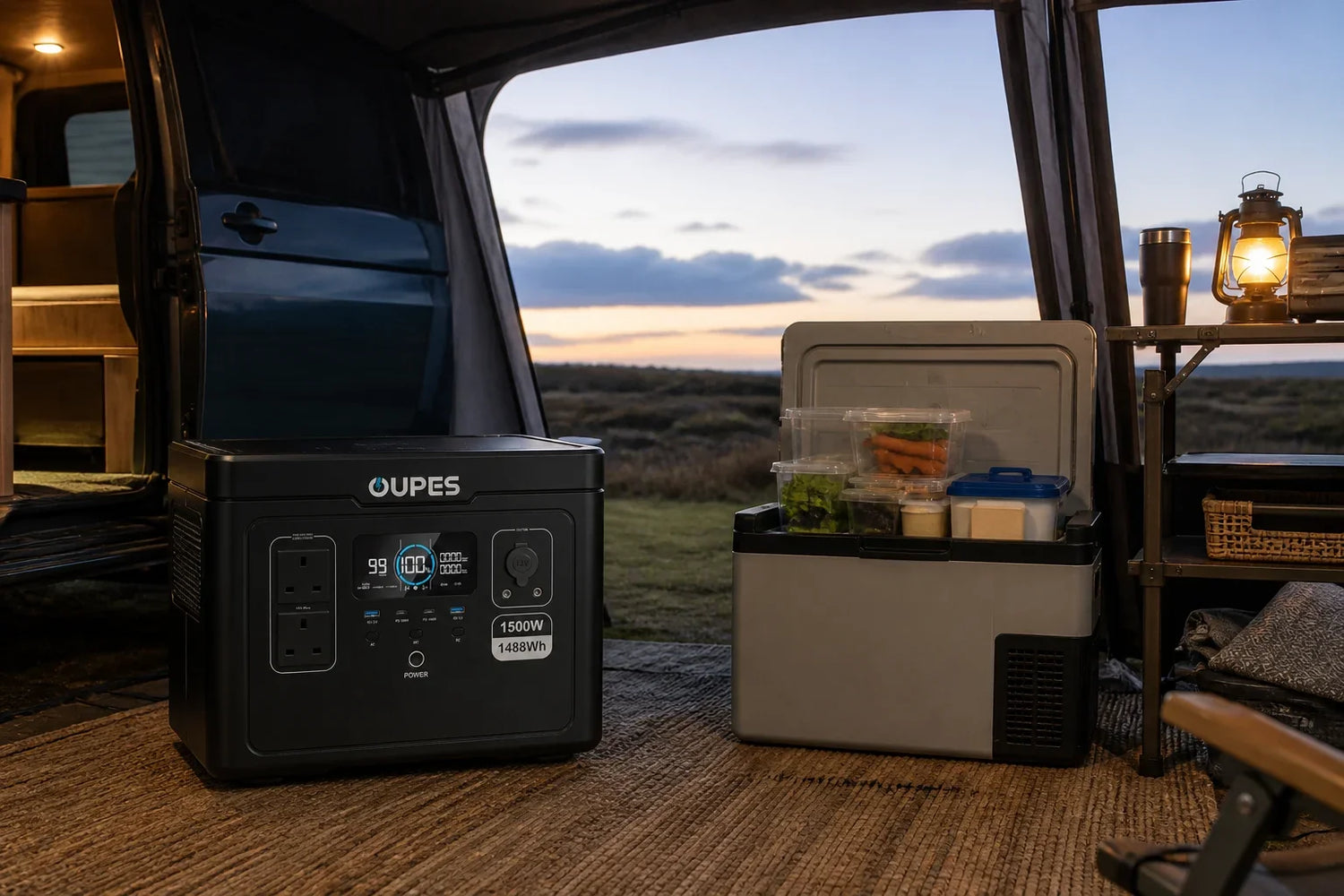
An OUPES UK power station can supply a compatible laptop mains adaptor through AC. Estimate sessions from the adaptor’s measured draw and battery Wh, allowing for inverter losses.
| UK-Site Product | Capacity | Rated Output | Solar | Planning Role |
|---|---|---|---|---|
| OUPES Mega 1 | 1,024Wh | 2,000W | Up to 800W | Portable everyday loads and shorter backup sessions |
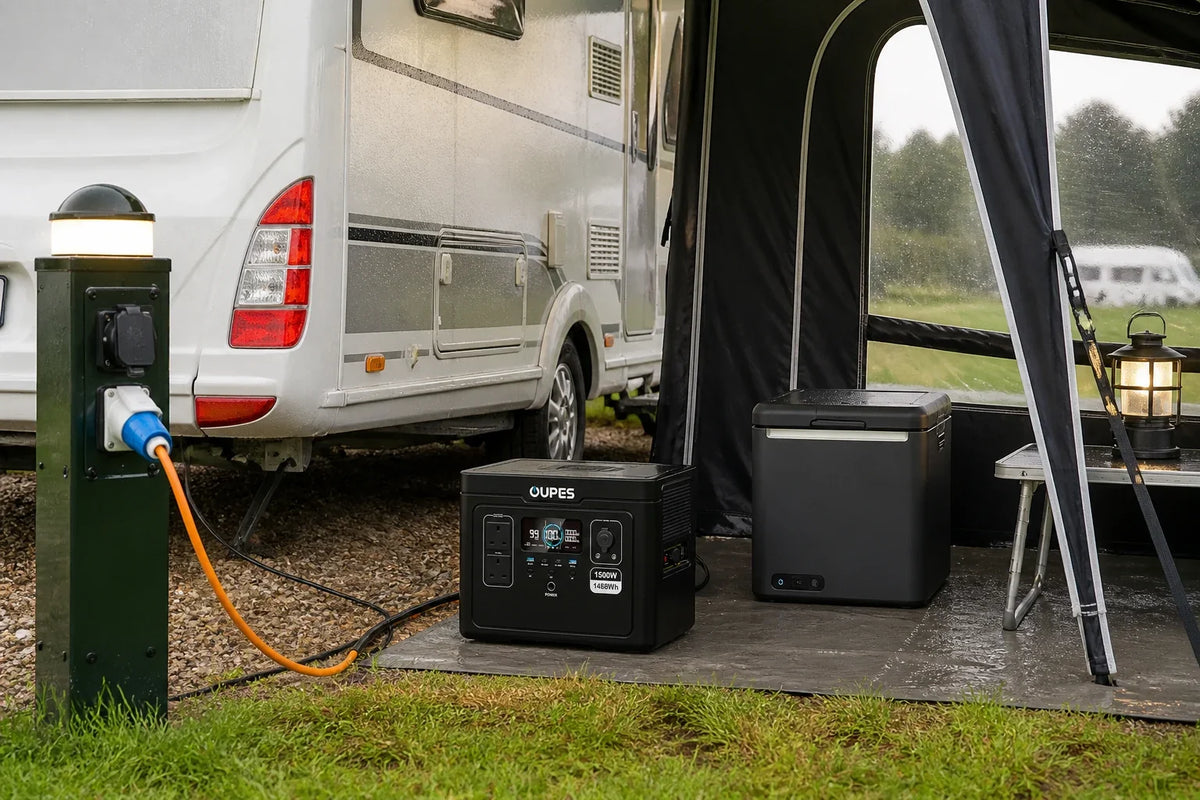
| OUPES Exodus 1500 | 1,488Wh | 1,500W | Up to 480W | Longer low-to-medium-load use where portability matters |
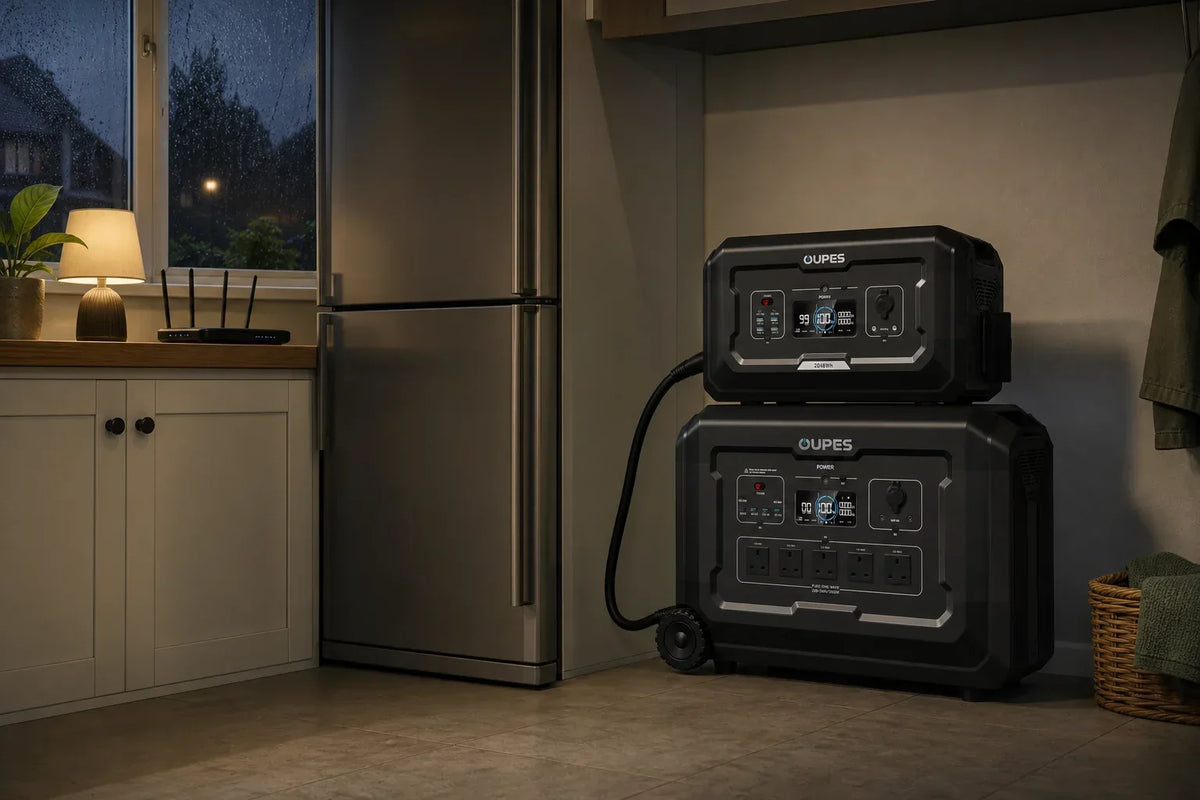
| OUPES Exodus 2400 | 2,232Wh | 2,400W | Up to 800W | Higher energy budgets and compatible higher-power appliances |
Before ordering from the UK store, confirm the current supplied model’s AC voltage, socket format, cables and appliance compatibility on the product page. Do not infer compatibility from wattage alone.
Practical Checklist
Before connecting an alternative charger:
- Identify the exact laptop model.
- Read its input voltage, current and wattage.
- Confirm the port accepts charging.
- Use a compliant, adequately rated cable.
- Monitor the first charging session.
- Stop if the connector, cable or laptop becomes unusually hot.
Safety and Limitations
Do not connect a raw battery directly to a laptop. Incorrect voltage, polarity or regulation can damage equipment, cause overheating or create a fire risk.
Do not use swollen power banks, damaged cables or wet equipment. Follow both the laptop and power-source manuals.
Final Verdict
Use an approved replacement charger or a verified USB-C PD combination. For backup power, running the normal adaptor from a compatible station offers a straightforward path, though conversion losses reduce runtime.
Frequently Asked Questions
1. Can any USB-C charger charge a laptop?
No. The laptop port, charger profile, wattage and cable must all support the required charging mode.
2. Can I use a phone charger?
Only if the laptop explicitly supports the available USB-C PD profile; many phone chargers are too weak.
3. Will a higher-watt USB-C charger damage my laptop?
A compliant PD system negotiates power, but use manufacturer-approved specifications and reputable equipment.
4. Can a power bank charge a laptop?
Yes, if it supports the laptop’s required USB-C PD profile and has sufficient energy.
5. Can a portable power station charge a laptop?
Yes, normally through the laptop’s compatible mains adaptor or a supported DC/USB-C output.
6. Why does the laptop say plugged in but not charging?
The source may be underpowered, the cable unsuitable, or the port may not support charging input.

Leave a comment
This site is protected by hCaptcha and the hCaptcha Privacy Policy and Terms of Service apply.